Build the operating standard.
Create checklist templates, asset templates and pick lists that reflect the real business, not a fixed generic form.
Vehicle checks that keep working after submit
CheckSpaces connects asset files, inspection templates, driver updates and manager follow-up so defects are seen, assigned and tracked while the workday is still moving.
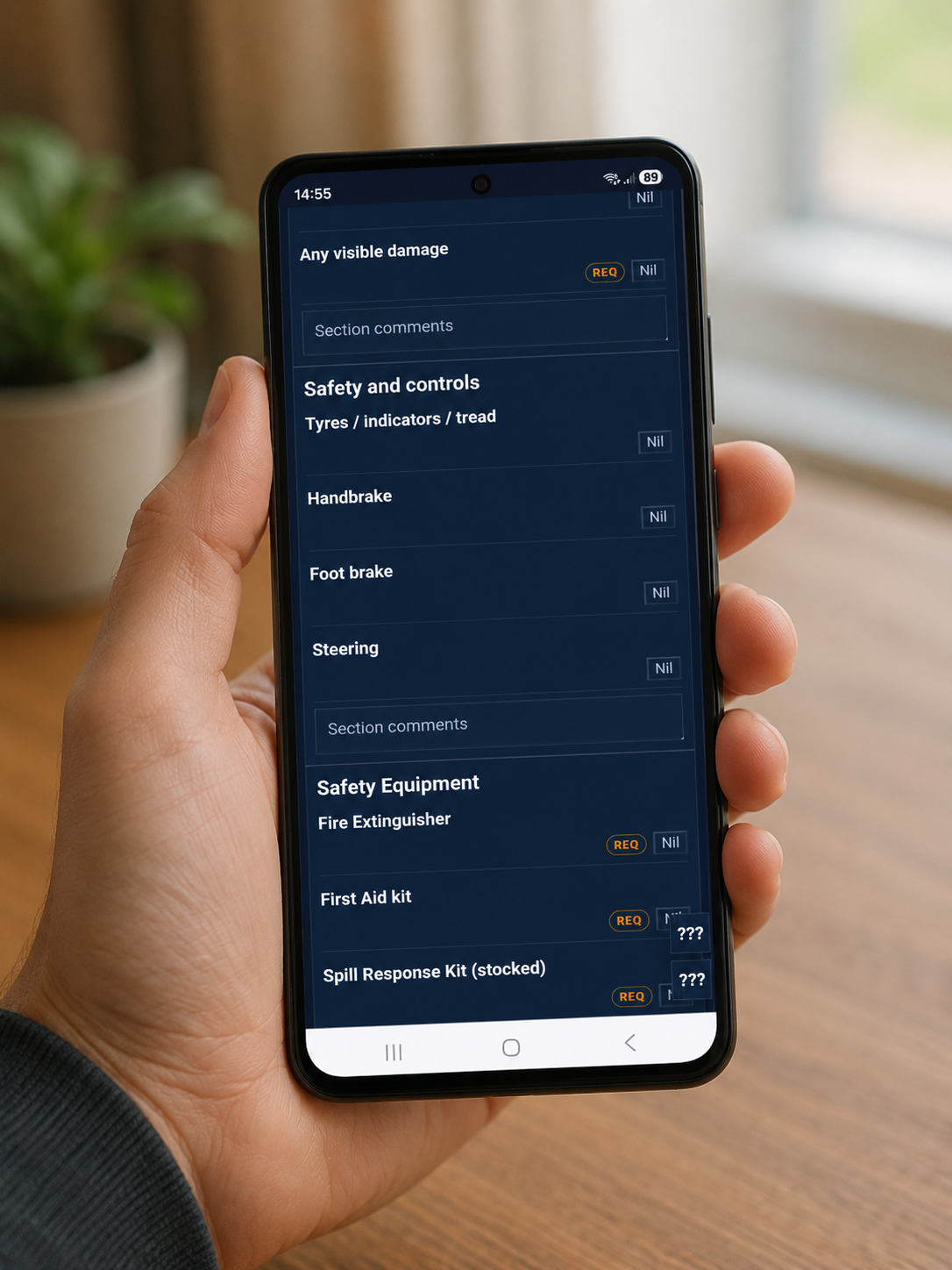
Create checklist templates, asset templates and pick lists that reflect the real business, not a fixed generic form.
Drivers enter the asset identifier and get the correct live checklist with required items, fails and comments.
Managers can monitor assigned asset files, update allowed asset details and receive reporting for failures.

Different from a daily form
A morning pre-start can be completed first, then defects, missed checks, repairs and status changes can be added later. Nothing important disappears because the driver already pressed submit.
How it fits together
Early platform build
The first layer is templates, asset files and reporting. AI-assisted coordination can sit above that once the operating data is solid.